Check the business identity.
Confirm the active profile, business address, relevant tax information, logo and payment details. A polished invoice should also contain the correct business information.

Make the workspace yours, create your first invoice and build a backup habit. Here’s a practical route through your first day with BillDisha.
Get the approved BillDisha package and instructions from the team. The app uses a local service and opens its workspace in a browser on your computer; the marketing website is not where you store your invoices.
Online activation is required first. After verification, your offline allowance lasts up to seven days and never beyond the license expiry.
Open Settings and add your business name, address and applicable tax information. Upload your own logo and signature, then add the bank or UPI details you want printed on invoices.
Review your document number series and default print settings before issuing live invoices. If you manage more than one business profile, check the selected business before entering records.
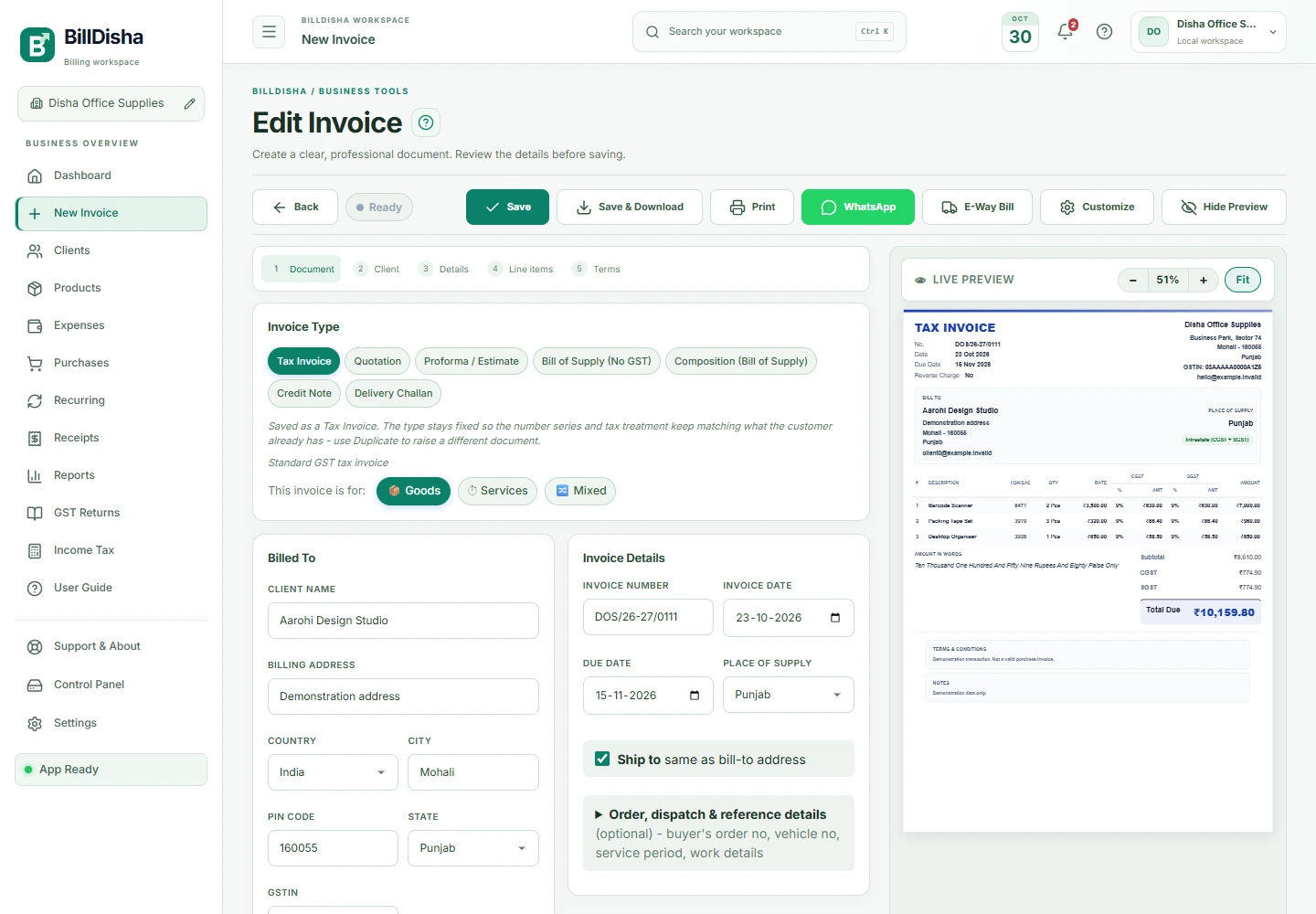
Add products and clients as reusable records. Record purchases and expenses, track receipts and use recurring invoice schedules for repeat work. Open Reports to review sales, spending and outstanding balances.
Use the question-mark guides beside section headings for focused help. Replay the workspace tour whenever you want a quick orientation.
Use Settings to export your records and review automatic backups. Keep another copy on a separate device or a storage location you control. Check that an exported backup can be restored before relying on it.
License activation is separate from your business data. When moving computers, arrange a license transfer and move the exported records as two separate steps.
Need a hand? Visit help & supportUse demonstration records to get comfortable with the workflow. Then confirm the details below before issuing documents for your own business.
Confirm the active profile, business address, relevant tax information, logo and payment details. A polished invoice should also contain the correct business information.
Review your numbering series, dates, document type and print style. If you already issue invoices elsewhere, plan the transition so records remain understandable.
Enter a sample invoice, record a partial payment and inspect the resulting balance and report. If you sell physical goods, also inspect the stock movement.
Export a backup and verify the restore process with a safe copy before relying on it. A second file on the same computer does not protect you from every type of device failure.
Choose a quiet period for setup. Start with a small, checked catalog and your regular clients. Keep daily receipts and expenses current, review the previous day’s records and use the section guides whenever you are unsure. Build consistency before importing a large amount of historical data.
If a result looks unexpected, stop and review the source transaction, the selected business and the report’s date range. Share a description or a redacted screenshot through the contact page; do not send an unredacted financial backup.
A focused workspace. One simple annual price.